
Key Takeaways:
- Flightscope Mevo+ delivers the most complete ball-and-club data set and robust simulation support—ideal for golfers who want deep analysis and a studio-ready experience.
- Mevo Gen2 prioritizes portability and simplicity, focusing on essential data to help newer and casual players improve without complexity or a steep learning curve.
- Software ecosystems, room requirements, and potential subscription costs are key decision points—budget for both hardware and software to fully unlock simulator play.
- Indoors or outdoors, both units are accurate for the price—Mevo+ has an edge on advanced metrics, while Gen2 shines for quick, repeatable sessions.
- Bundling with the right enclosure, screen, mat, projector, and software creates a polished, reliable home golf setup that’s fun to use year-round.
Flightscope Mevo+ vs Mevo Gen2: Which Launch Monitor is Right for Your Home Golf Setup?
In a world where every golf swing can be measured, analyzed, and improved—all without leaving your home—it’s no wonder golfers everywhere are building indoor studios. Whether you’re a seasoned scratch player, a weekend grinder, or a parent bringing the family together through the love of golf, launch monitors are the heart and soul of the modern simulator experience.
But with so many options on the market, how do you choose? Two models stand out for their blend of performance, accuracy, and value: the Flightscope Mevo+ and the Flightscope Mevo Gen2. Both promise reliable data, intuitive apps, and seamless integration into your space, yet each brings its own strengths, quirks, and upgrade pathways.
At Golf Simulator Depot, our mission is simple: bring the joy of golf into people’s homes. We curate trusted gear, provide clear install resources, and offer responsive support so you get a setup that simply works. In this in-depth comparison, we’ll break down Mevo+ vs Mevo Gen2 across shot data, accuracy, ease of use, simulation software, room and setup requirements, upgrade options, and real-world value.
Let’s tee off and find out which Flightscope device can help you sharpen your swing, lower your scores, and love every session—rain, shine, or snow.
Ball & Club Data Points: What Each Unit Tracks
Flightscope Mevo+
- Out of the box, Mevo+ captures ball speed, launch angle, spin rate, carry distance, total distance (outdoors), apex height, club speed, and smash factor.
- With the optional Pro Package add-on, Mevo+ unlocks advanced club metrics: club path, face to path, face angle, dynamic loft, angle of attack, spin loft, swing plane, and more.
- Integrated alignment/video camera inside the FlightScope Golf app.
Mevo Gen2
- Essentials for improvement: ball speed, carry distance, launch angle, spin rate, club speed, smash factor, and apex/height.
- Club metrics are more limited than Mevo+ with Pro Package—keeping the interface simple and fast.
Bottom line: If you want a data-rich training tool with room to grow, Mevo+ wins. If you want a lighter, simpler device that nails the essentials, Mevo Gen2 is a great fit.
Take Your Home Golf Experience to the Next Level with Golf Simulator Depot
Ready to make the most of your at-home setup? We carry Flightscope Mevo+ and Mevo Gen2, plus curated enclosures, screens, mats, projectors, and software—backed by friendly, expert support.
- Shop trusted tech that delivers tour-level insights.
- Get tailored advice for your goals and room.
- Bundle & save with complete, compatible kits.
Don’t just imagine better golf at home—build it.

Performance Testing: Accuracy Head-to-Head
- Technology: Mevo+ uses Doppler radar with on-board camera assistance; Gen2 uses updated radar processing. Proper placement and ball-to-monitor distance matter.
- Drivers & long irons: Mevo+ typically has a slight edge in spin-axis consistency and carry precision; Gen2 keeps pace on ball speed and launch.
- Wedges & short irons: Gen2 is excellent for repeatability; Mevo+ adds diagnostic depth with advanced metrics.
- Indoors vs outdoors: Both perform very well indoors; outdoors, Mevo+ benefits from longer ball flight.
Room Requirements, Setup, and Ease of Use
- Ceiling height: 9–10 ft is common for comfortable drivers; 8.5 ft can work with adjustments.
- Radar-to-ball distance: Plan ~6–8 ft behind the ball plus 8–10 ft of flight.
- Hitting area & stance: Allow 4–5 ft width; center-strike layouts help mixed R/L households.
- Lighting: Even, non-backlit scenes improve alignment and video.
Setup & usability: Gen2 is the fastest “place, pair, swing.” Mevo+ takes a bit more alignment (especially with sim software) but is straightforward with app guidance. Both are portable and battery powered.
Pro tip: Mark your unit’s floor spot for faster, more accurate repeat setups.
Simulation Software Compatibility and Costs
Mevo+ works with E6 CONNECT, TGC 2019, Awesome Golf, and Creative Golf; the FlightScope apps add Combine tests, skills, and video overlay.
Mevo Gen2 supports E6 CONNECT and Awesome Golf for ranges, courses, and games.
- Budget for software if you want full-course play or online features.
- iPad-only rigs are simpler/cheaper; PC unlocks the biggest libraries and best graphics.
Who Each Launch Monitor Is Best For
Flightscope Mevo+
- Serious practice and simulator-ready performance (great for fittings/teaching, multi-user homes).
Mevo Gen2
- Newer or casual golfers who want simple, portable, credible feedback—perfect for net sessions, garages, and travel.
Shot Tracing and Video Integration Features
Mevo+ includes a built-in alignment camera; the FlightScope app records swings with overlaid numbers and tagging.
Mevo Gen2 emphasizes quick multi-angle capture and easy sharing; AI-assisted tagging streamlines reviews.
Connectivity, Devices, and Workflow Tips
- Devices: iPad/iPhone are popular for both; for 4K projection and big libraries, a Windows PC + Mevo+ is common.
- Network: Stable Wi-Fi helps auth/multiplayer; consider mesh for garages.
- Mounting: Low-profile stands keep height/tilt consistent.
- Balls: Clean balls improve spin reads; marked balls/metallic dots can help indoors.
Bundle Options with Enclosures, Screens, and Mats
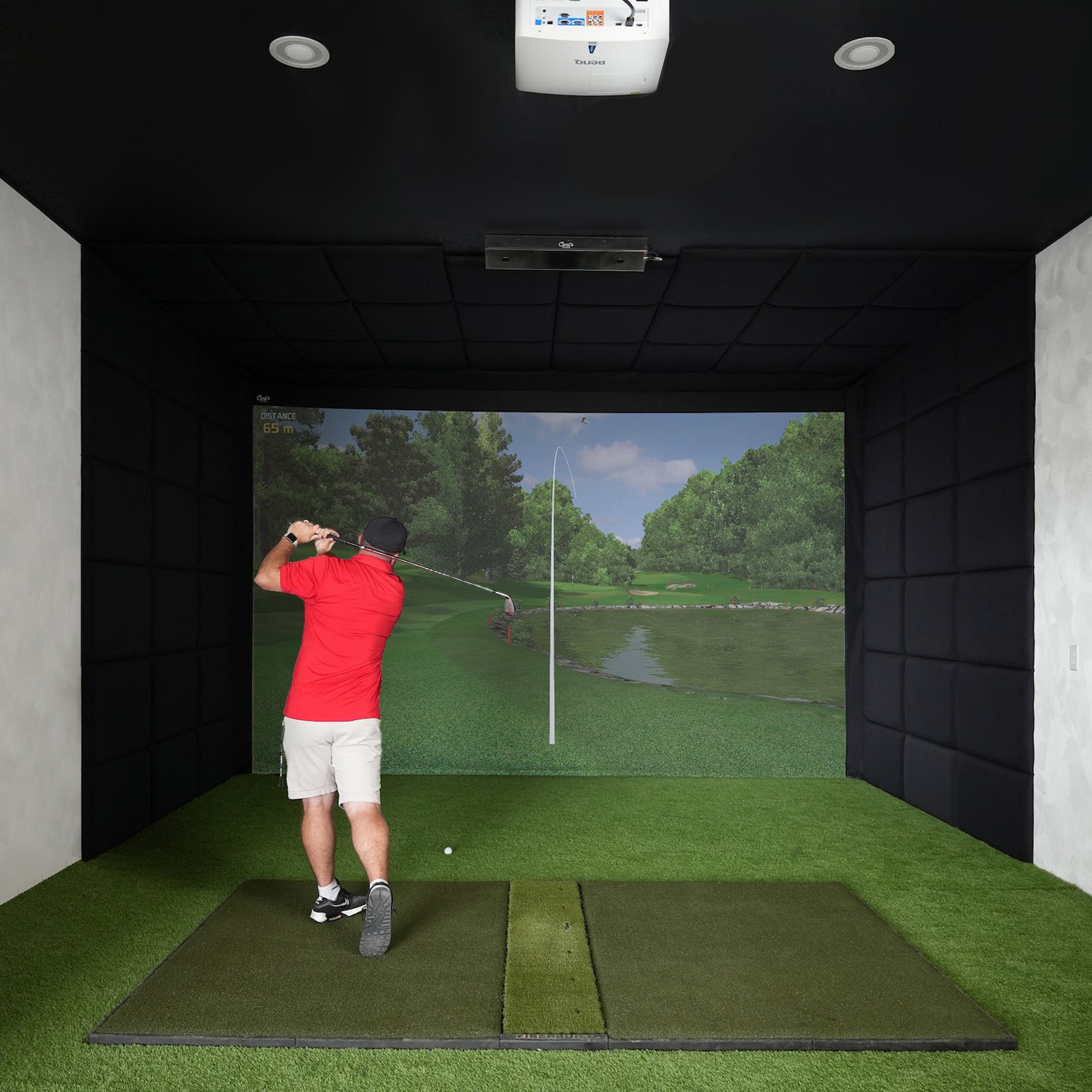
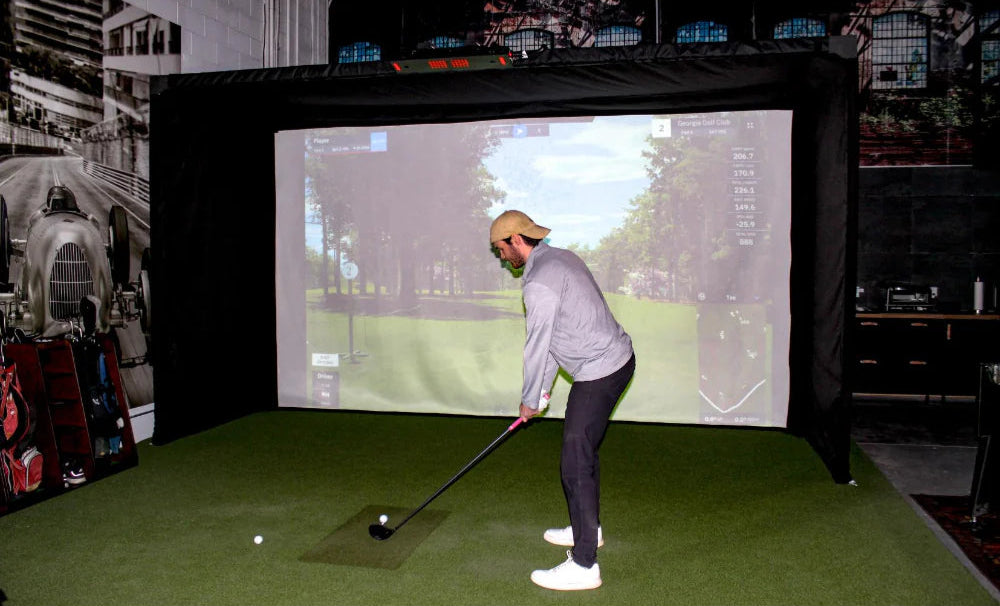
- Enclosures/screens: Choose sizes that fit ceiling height; seamless impact fabric improves visuals and putting.
- Mats/flooring: Multi-layer mats with replaceable strips; surround turf for a flush finish.
-
Projectors/audio: Short-throw to reduce shadows; simple soundbar adds immersion.

Cost of Ownership: Hardware, Software, and Upgrades
- Hardware: Gen2 costs less; Mevo+ adds broader data and sim features. Pro Package is optional.
- Software: Expect recurring costs for big course libraries/online play.
- Accessories: Don’t forget mounts, cables, brackets, extra turf.
- Resale: Both hold value; Mevo+ feature depth helps resale.
Real-World Scenarios: Which One Fits Your Life?
- Range Regular: Gen2’s fast setup and light footprint; still supports E6 CONNECT for weekend rounds.
- Home Studio Builder: Mevo Gen2 + Net
- Data-Driven Improver: Mevo+ Pro Package + Combine tests.
- Family Fun Setup: Gen2 + Awesome Golf for simple games and quick wins.
Conclusion: Which Flightscope is Right for Your Golf Journey?
Mevo Gen2 is the approachable, compact entry point with the essentials. Mevo+ is the powerhouse for serious practice and immersive simulation, with advanced analytics and broad software compatibility. We’ll match your space, budget, and goals with the right gear—and back it with guidance and support.

FAQs About Flightscope Mevo+ vs Mevo Gen2
What are the main differences between Mevo+ and Mevo Gen2?
Mevo+ is built for comprehensive data and simulation with upgrade paths like Pro Package. Gen2 focuses on portability and essentials. For full sim backbones, choose Mevo+; for quick, credible practice, choose Gen2.
Which is more accurate?
Both are very accurate for their class. Mevo+ generally edges Gen2 on advanced metrics and outdoor precision; Gen2 is highly consistent on core stats, especially mid/short irons indoors.
Are both devices compatible with the same apps?
Both work with FlightScope’s apps. Mevo+ supports E6 CONNECT, TGC 2019, Awesome Golf, and Creative Golf; Gen2 supports key platforms like E6 CONNECT and Awesome Golf.
How about battery life?
Gen2 can run slightly longer due to its lighter feature set. Mevo+ easily covers typical sessions; charge before marathon use.
Is Mevo Gen2 easier to set up?
Yes—place it, pair, and swing. Mevo+ needs a bit more alignment (especially for sim), but the guided setup keeps it simple.
What room size do I need?
Aim for 9–10 ft ceilings for comfortable drivers, ~6–8 ft behind the ball for the monitor, and 8–10 ft of ball flight.
Can I use these outdoors?
Absolutely. Both are portable and great at the range. Outdoors, Mevo+ benefits from longer ball flight for very precise tracking.
Do I need the Mevo+ Pro Package?
Not required. Mevo+ offers plenty of data stock; add Pro Package if you need path/face/dynamic loft/AoA and fitter-level analysis.

